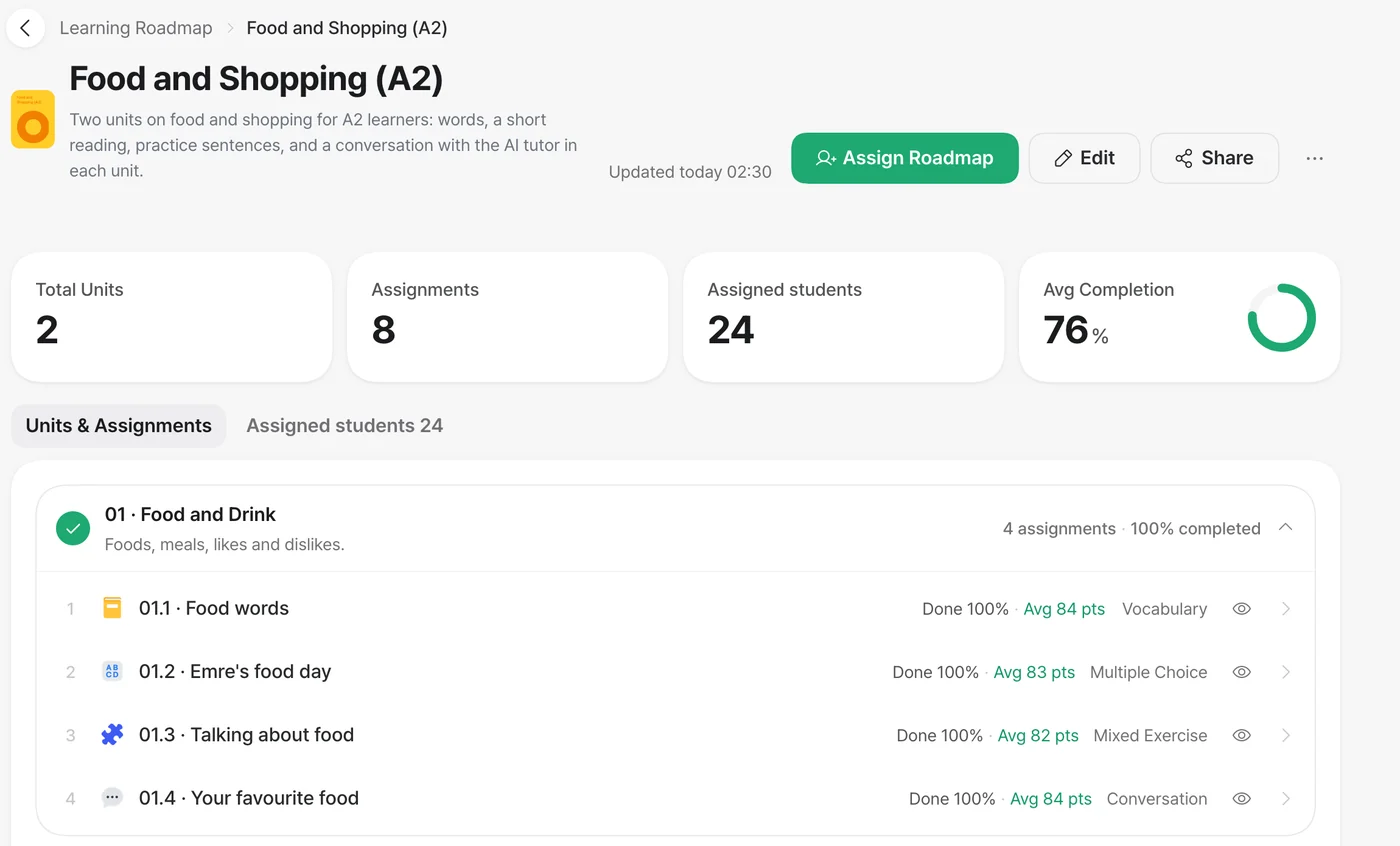
Assign by unit
Your book, unit by unit
Teachers assign the course to their classes and see each unit’s completion and average score.
AvoLingo turns every unit of your coursebook into speaking, writing and listening practice with an AI tutor, in a white-label app with your name on it.
Priced per book, with no app development fee in the AvoLingo app. Your first title can be live in about two weeks.
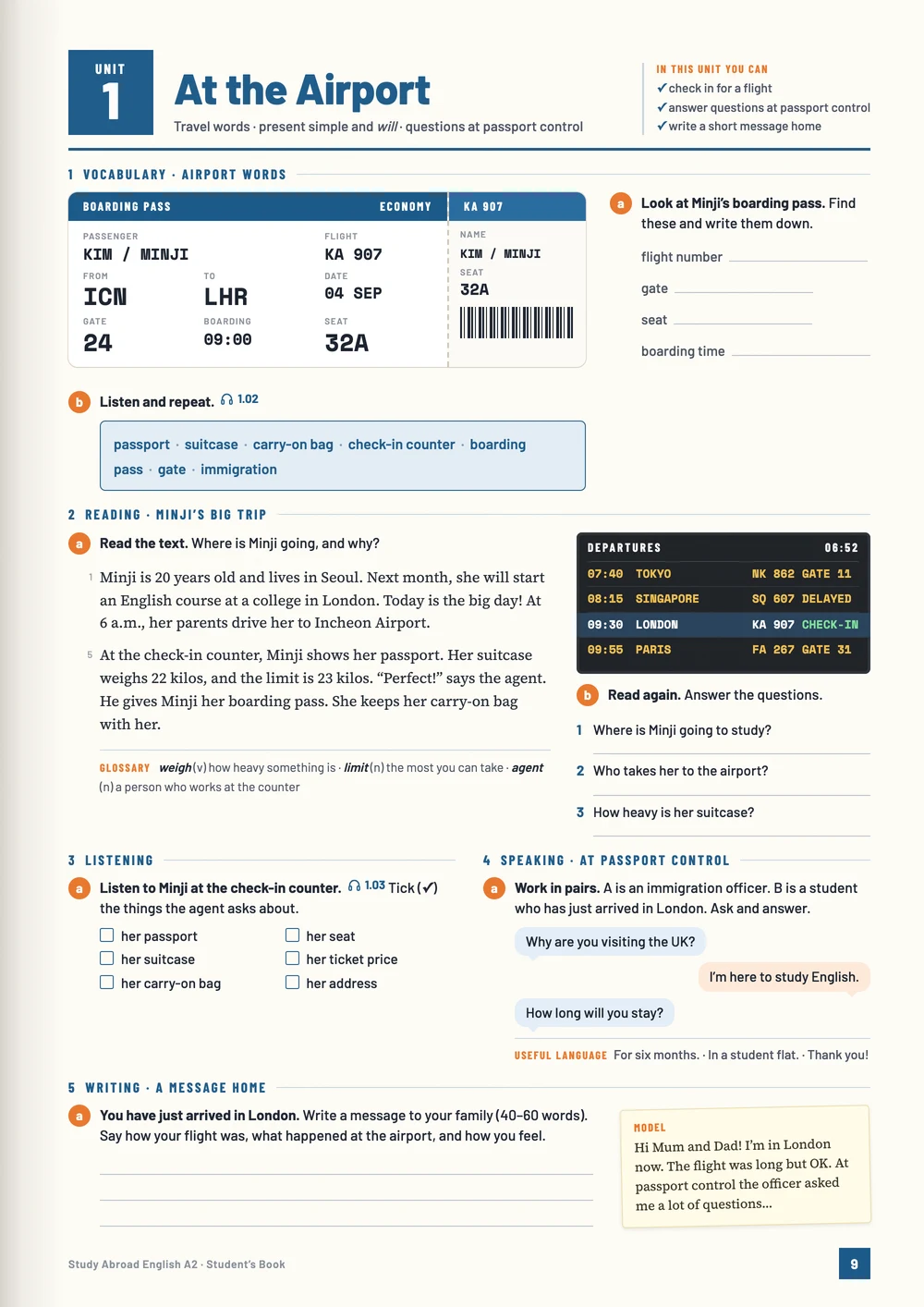
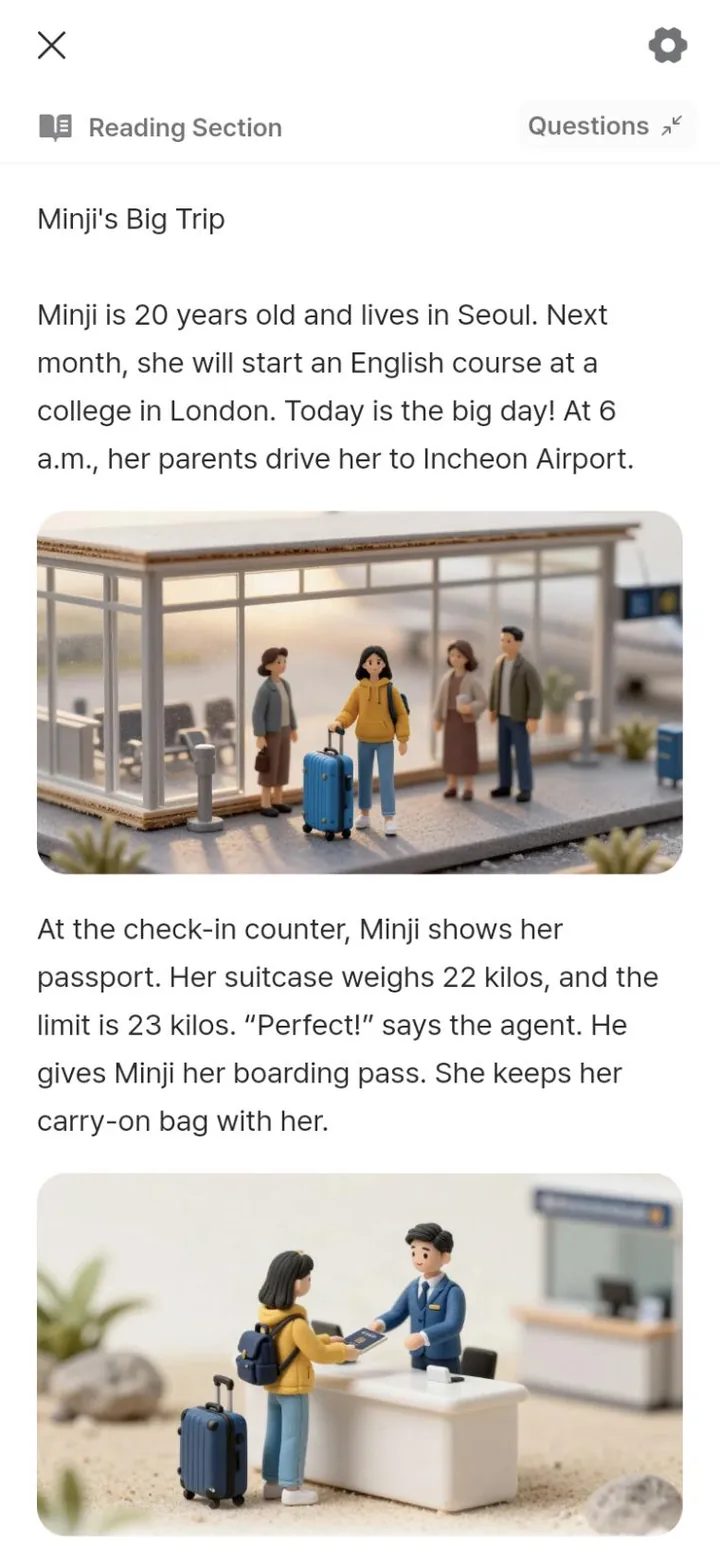
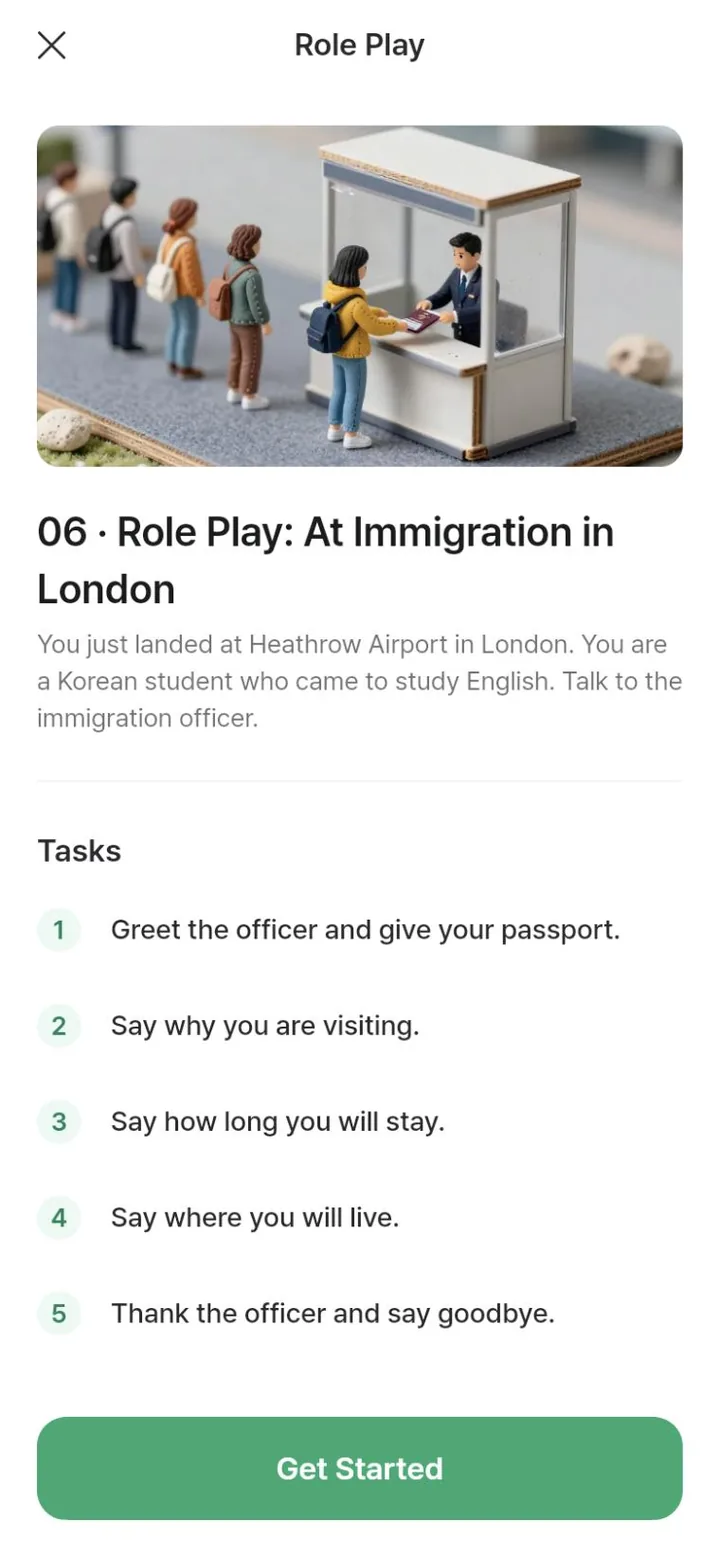
Each numbered part of the page becomes practice in the app. The pictures are made for your text, and your editors approve them with the rest of the unit.
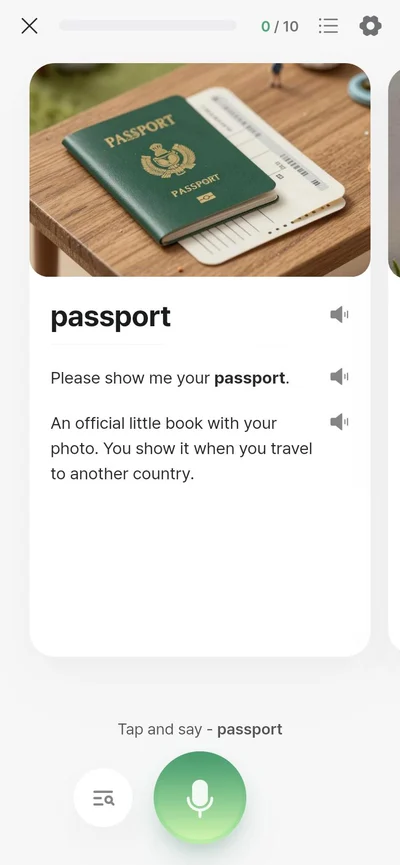
From the vocabulary
Students hear each word in a sentence, say it and get a pronunciation score.
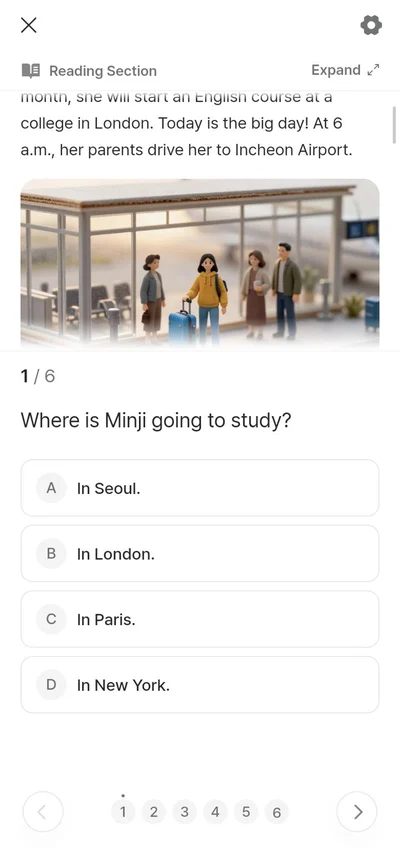
From the reading
Questions sit under the text and its pictures, and every answer is checked at once.
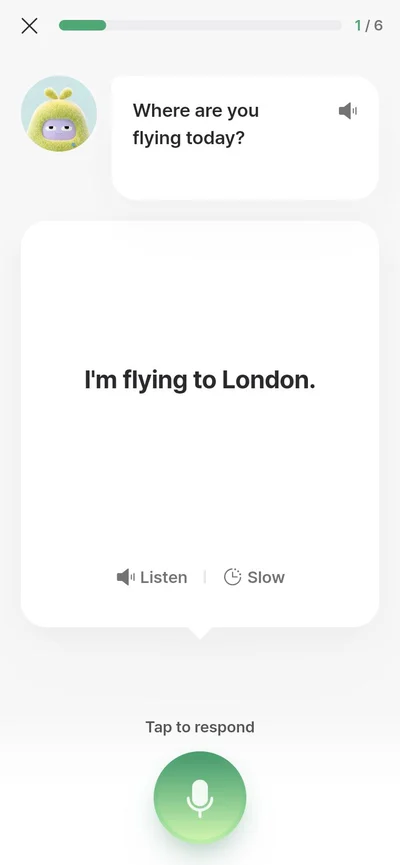
From the listening
Students hear Avo ask the agent’s questions, then answer each one aloud after a model.
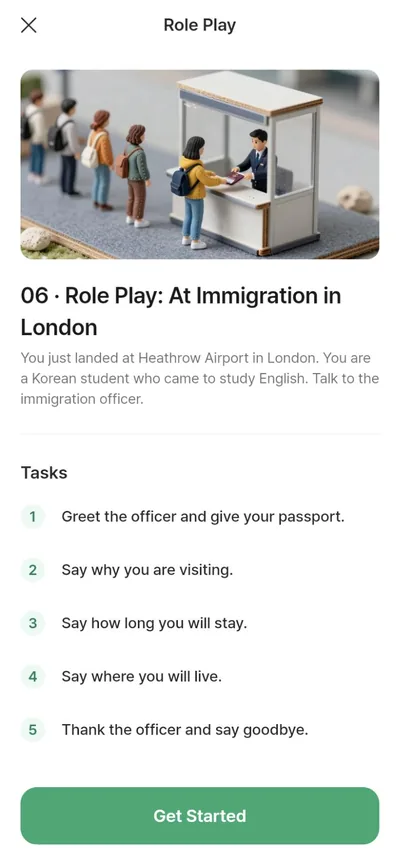
From the speaking
The pair work becomes a role-play: Avo plays the officer, and students work through the tasks by speaking.
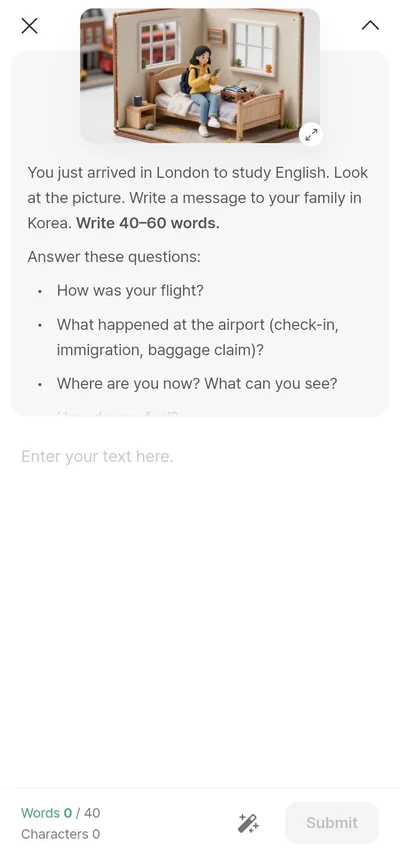
From the writing
Students write the message home in the app and get a score and comments on it.
Also in every unit

Schools now compare your book with apps that listen and talk back. Building one yourself is slow and costly.
No development team and no AI budget on your side.
Every task is built from your units, so students practise your book, not whatever a chatbot suggests.
Speaking practice comes with every unit, not as an extra.
Assigned units keep the book in use, week after week.
Each option has the same content and the same teacher tools.
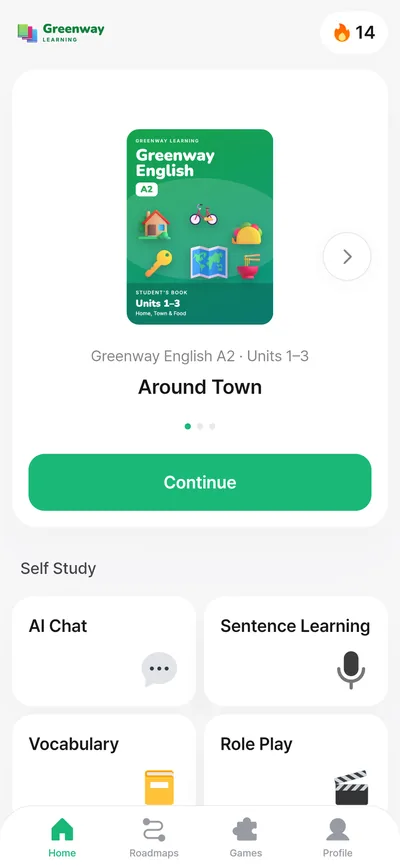
Your name, logo and colours in the App Store and Google Play, with the AI tutor and teacher tools built in. Your own app is quoted separately.
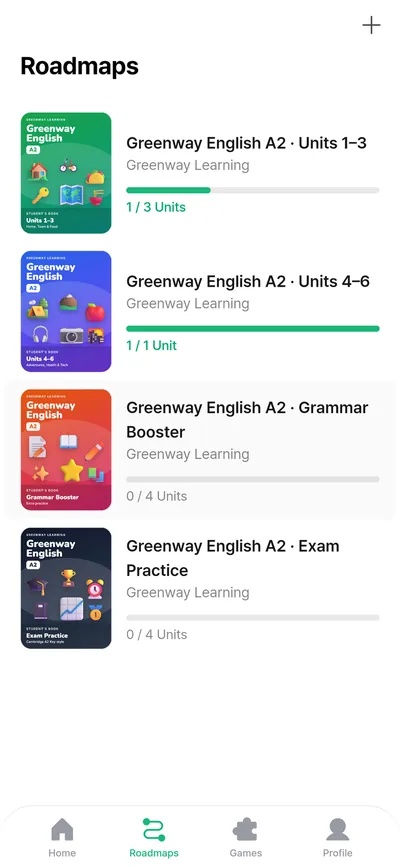
Your series as its own courses in the AvoLingo app, under your name. The quickest way to start.
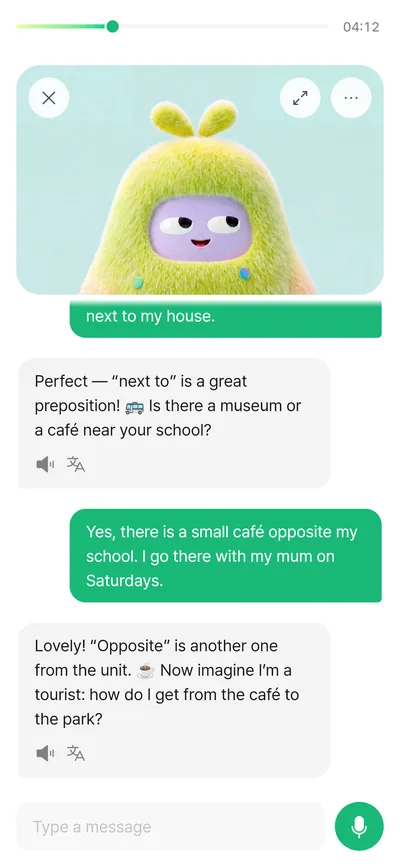
AvoLingo practice, such as conversations with Avo, inside the app or learning platform you already run.
You send the book and approve each unit. We do the building. The timing depends mostly on how quickly your editors review.
01Day 1
The unit PDFs, the level and goals of each title, and audio if you have it. If not, the app reads every text aloud.
02Week 1
We build one unit in full. You check the tasks, the wording and the pictures, and tell us what to change.
03Week 2
Every unit, in your order. Your editors review it before anyone else sees it.
04Launch
Teachers can assign units straight away. We keep the app and the AI up to date.
How learners get the course, for example included with the book, licensed per school or sold on its own, is agreed with you.
Teachers assign your units, see who has practised and get writing marked, so the book stays in use all term.
Discuss a partnership
Assign by unit
Teachers assign the course to their classes and see each unit’s completion and average score.
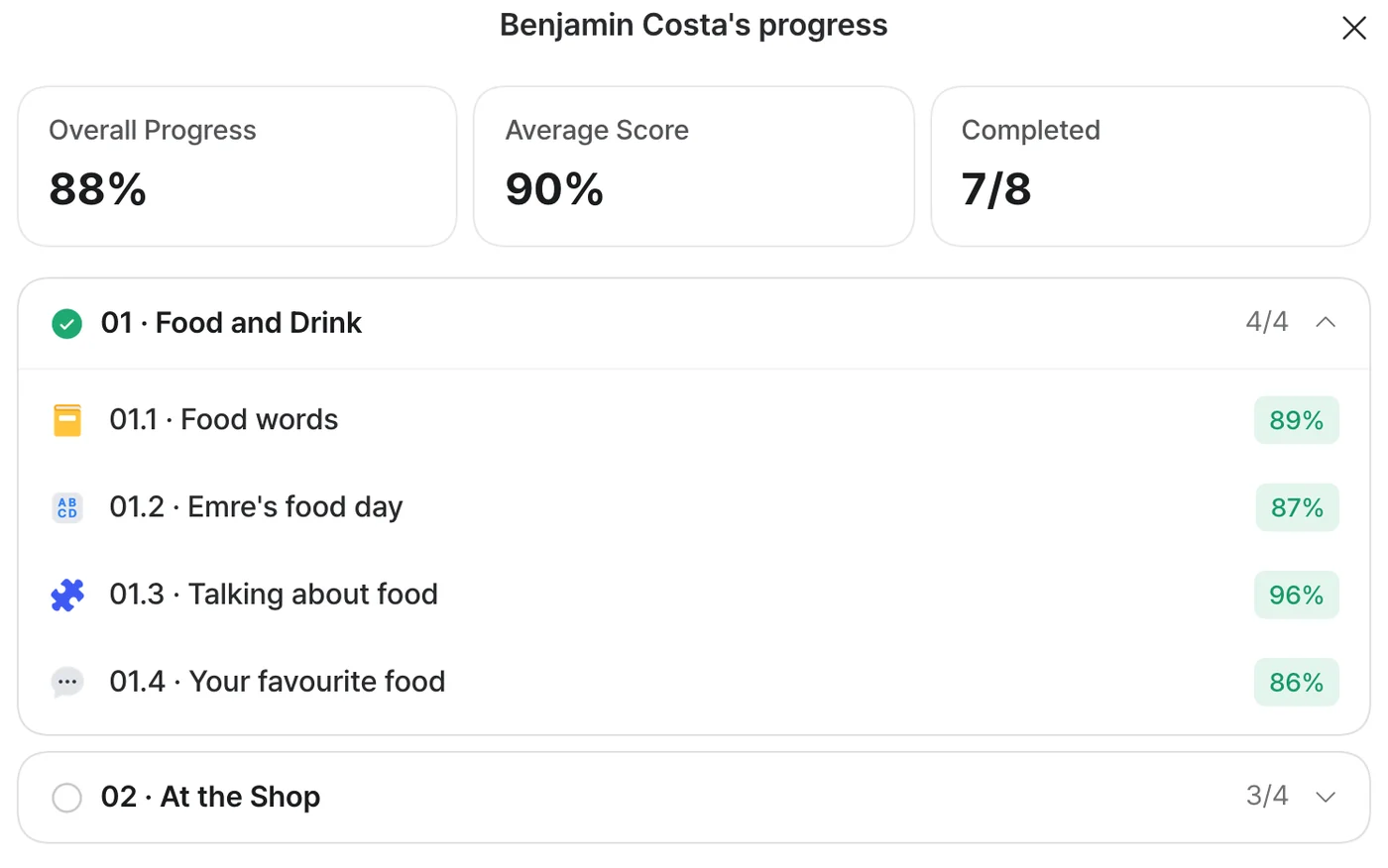
Progress through the book
See which tasks each student has done and how well, unit by unit.
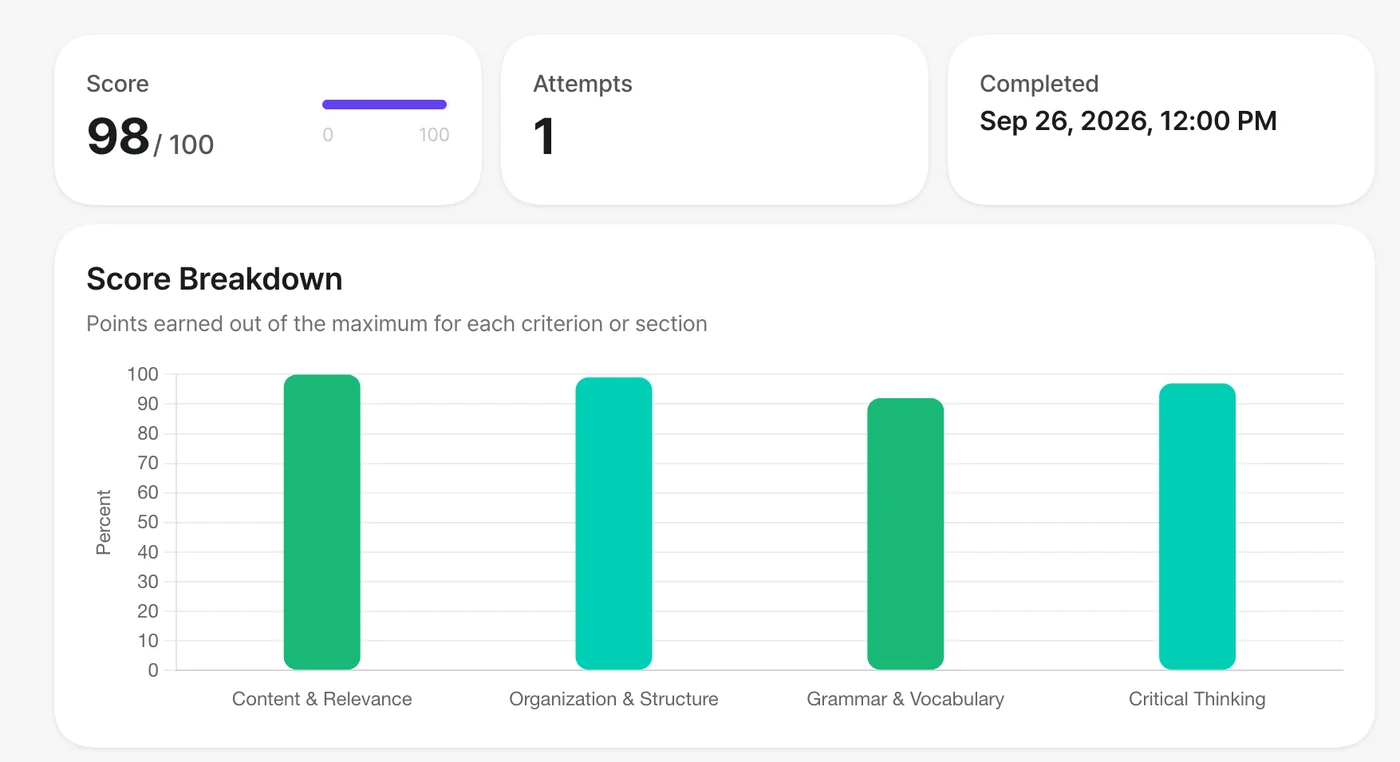
Writing marked by AI
AI scores each piece by criterion and explains the score. Teachers check it and can change it.
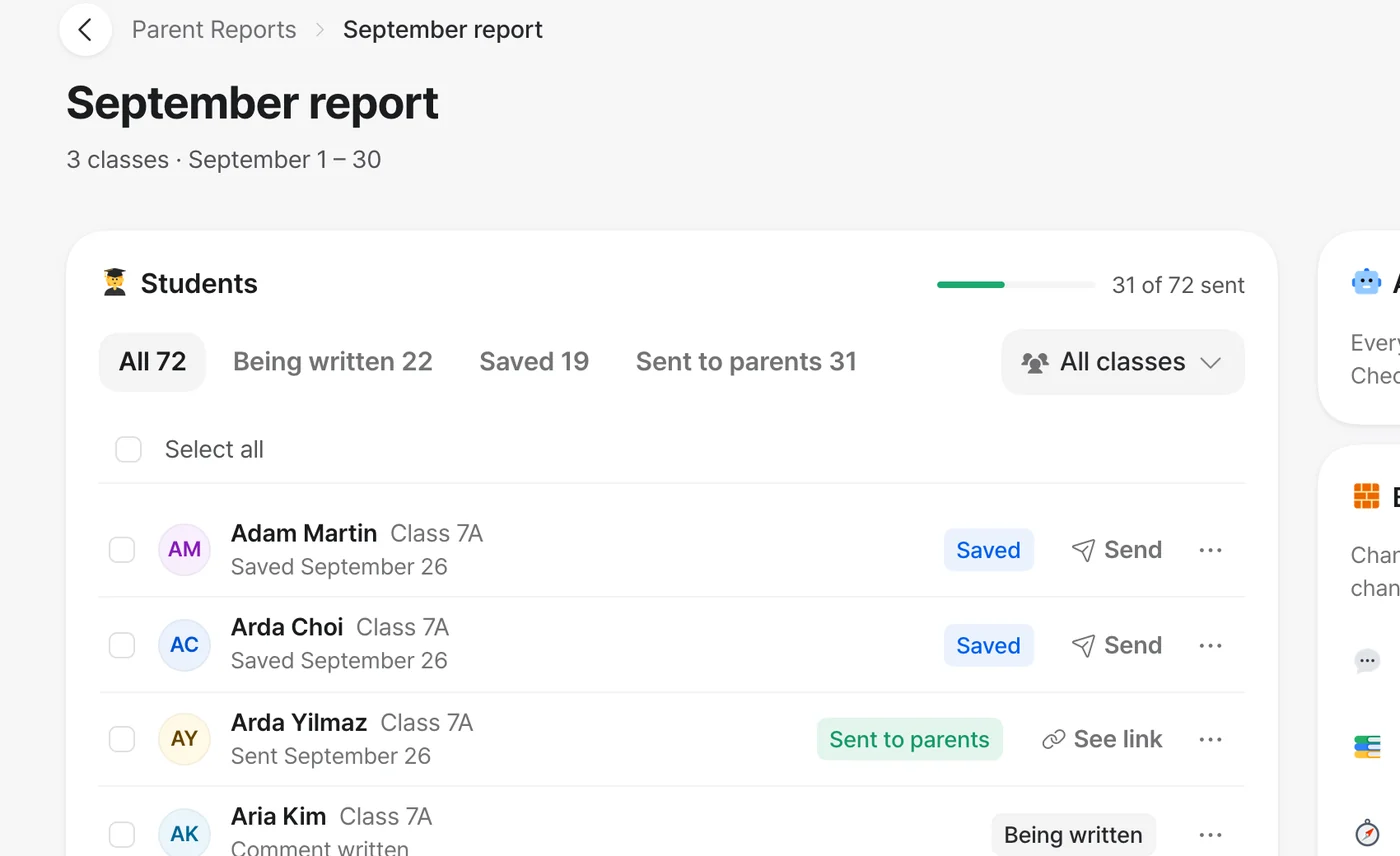
Reports for parents
Each student’s report is drafted from their practice. Teachers check it and send it to parents.
100+
schools, language academies, universities and companies use AvoLingo, in Korea, Türkiye, Germany, the Philippines and the UAE.
13
languages to learn, and instructions can be shown in each student’s own language.
98%
of module results went up a level when students did 75% or more of their homework. With none, 42% did.
Results: Bahçeşehir University’s English prep school, 1,033 students, 2025–26. Read the study and its limits
Your books and your brand stay yours. Your material is used to build and run your course, and any other use is agreed with you in writing.
Word lists, readings, questions, pictures and role-play tasks are built from your units and approved by your editors before launch. The AI tutor’s replies are generated live, and each conversation is set to the unit’s topic, words and level.
Teachers see every student’s answers and can change any AI score. The tutor’s conversations are kept to the unit’s topic, words and level.
Each book in the AvoLingo app is priced per book, with no app development fee. Your own branded app is quoted separately. See how pricing works.
For a first title, yes: you approve a sample unit in week one and review the full title in week two. A series with many levels is planned with you. For your own app, Apple and Google add their own review time.
No. You need someone who knows the book to review the content. Everything technical is on our side.
Learners can study 13 languages, and instructions can be shown in their own language. Courses can be built for any level, from young learners to university and exam preparation.
As set out in our Privacy Policy. Data is hosted on Google Cloud, and schools manage their own classes and learners.
Yes. You can start with one title or one level and add more once teachers are using it.
Tell us which titles and levels you publish and who your learners are. We’ll show you what one of your units could look like in the app.
We’ll reply within 1 business day, by email or by phone if you left a number.