Keep the
conversation going
Explain what the situation calls for and respond to the other person’s questions.
Explaining a product to a customer, sharing a view in a meeting, reporting a problem on site. Your staff practise the language their own work needs, at their own level.
Discuss team training
Practise the conversations your team needs for meetings, presentations and on-site communication. The content and learning sequence are planned around their work and current level.

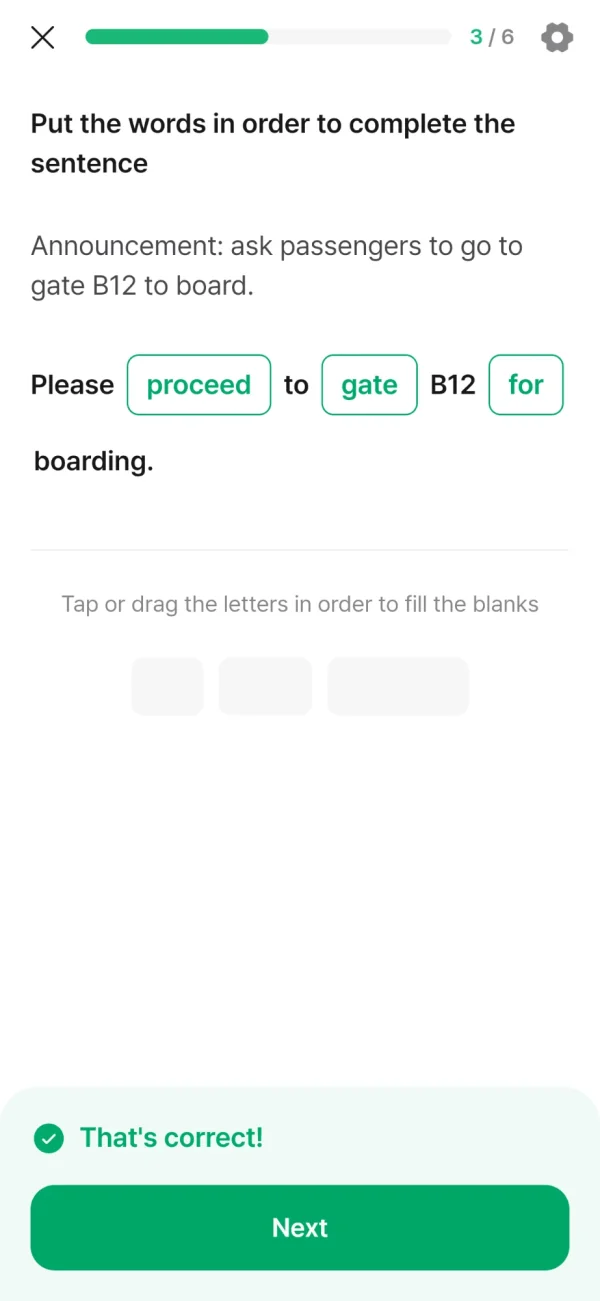
Help passengers through check-in, flight changes and rebooking conversations.

Explain treatment plans, give clear instructions and reassure patients from abroad.

Explain technical issues, clarify requirements and discuss next steps with partners.

Help international shoppers find what they need and explain products with confidence.

Share project updates, explain technical decisions and clarify client requests.

Report site conditions, follow safety briefings and coordinate with global contractors.

Welcome guests, explain services and respond to requests with care.

Present research findings, discuss data and align with international partners.

Confirm shipment details, explain delays and coordinate with overseas partners.

Resolve customer issues, explain solutions clearly and keep every call on track.

Understand customer needs, explain options and confirm the next steps.

Lead client meetings, present recommendations and handle questions on the spot.
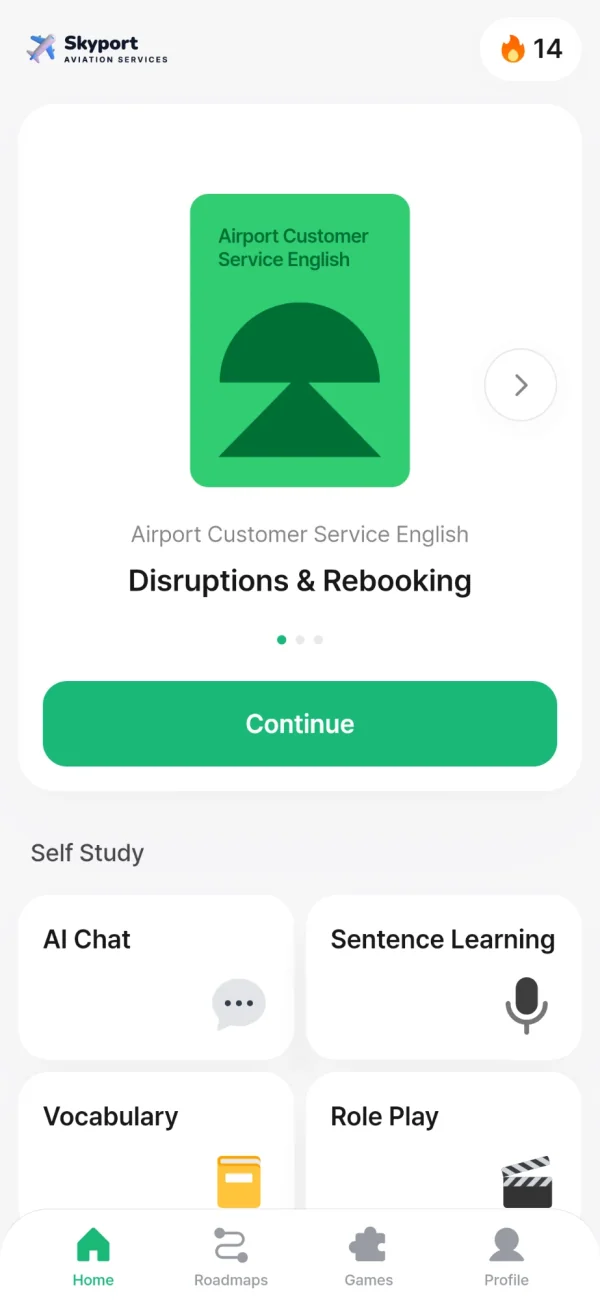


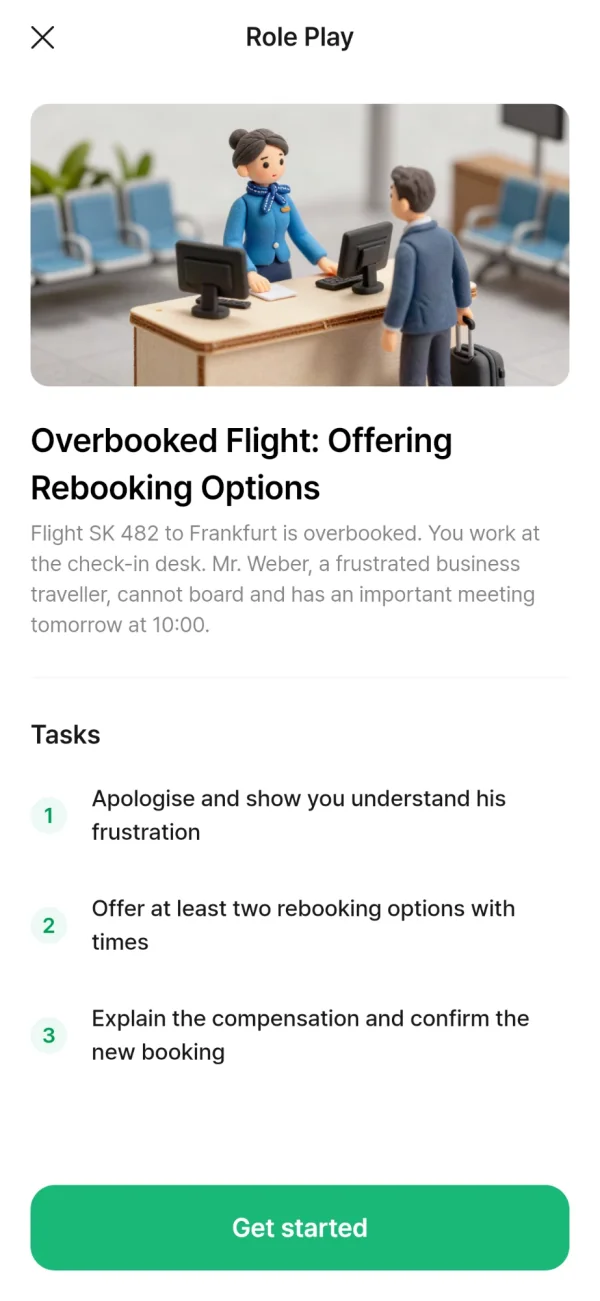
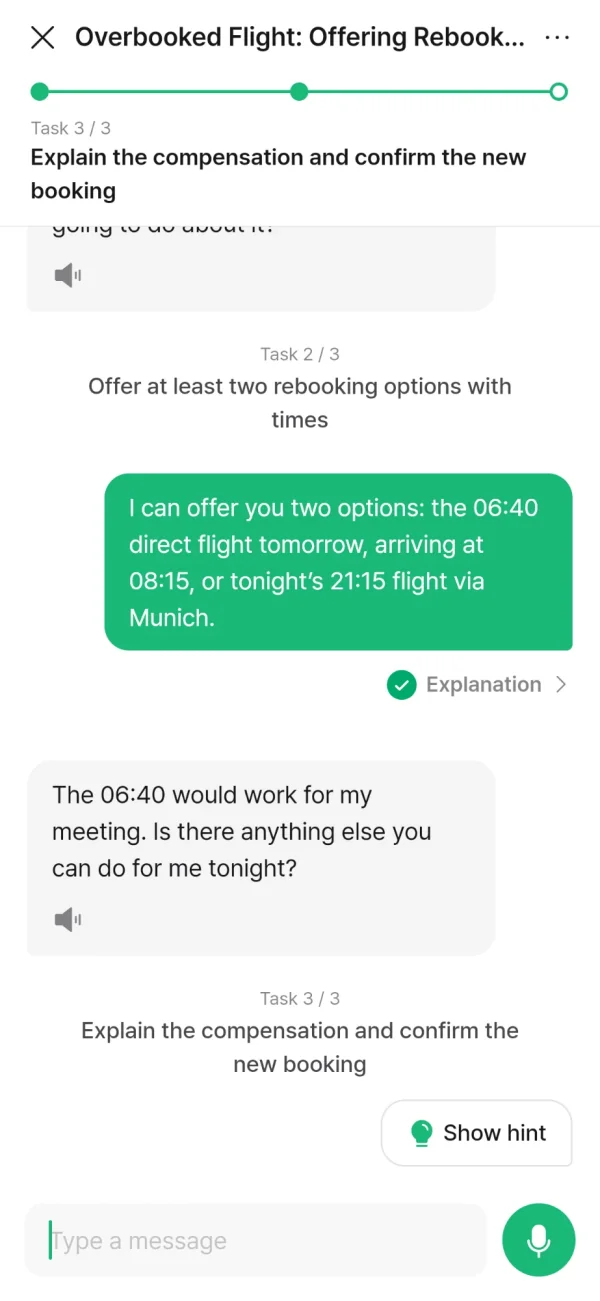
Share an idea in a meeting, explain a situation at work and answer questions. Use the language you have learned in a conversation with AI.
Explain what the situation calls for and respond to the other person’s questions.
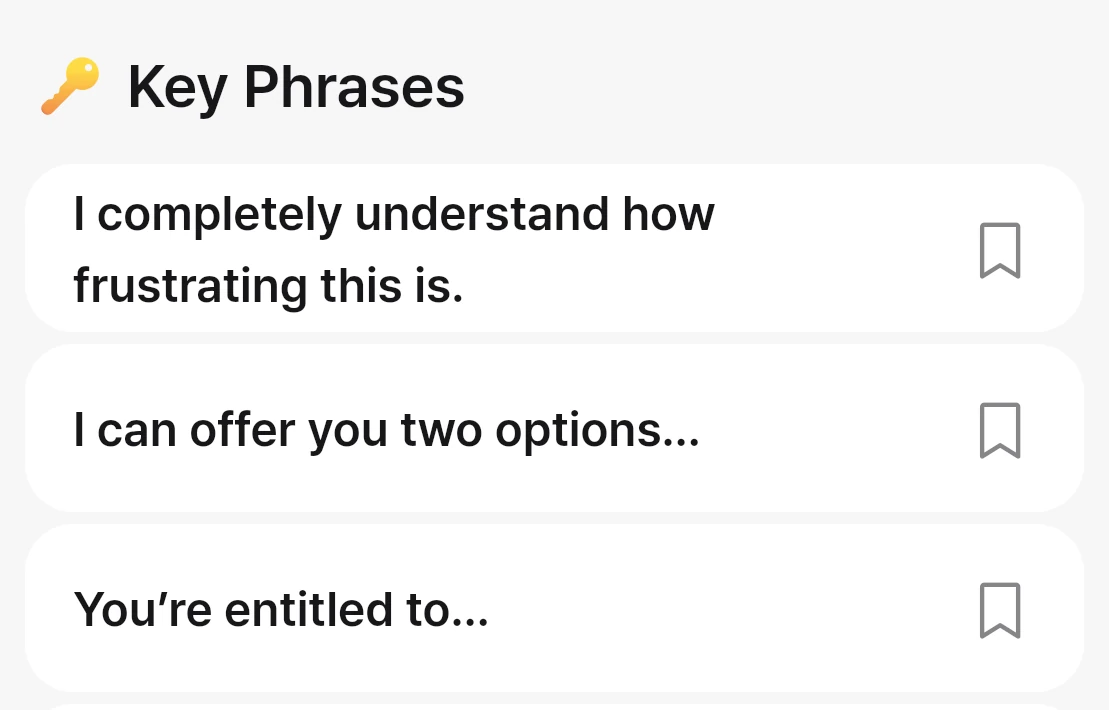
Revisit the key phrases from the conversation and save the ones you need.
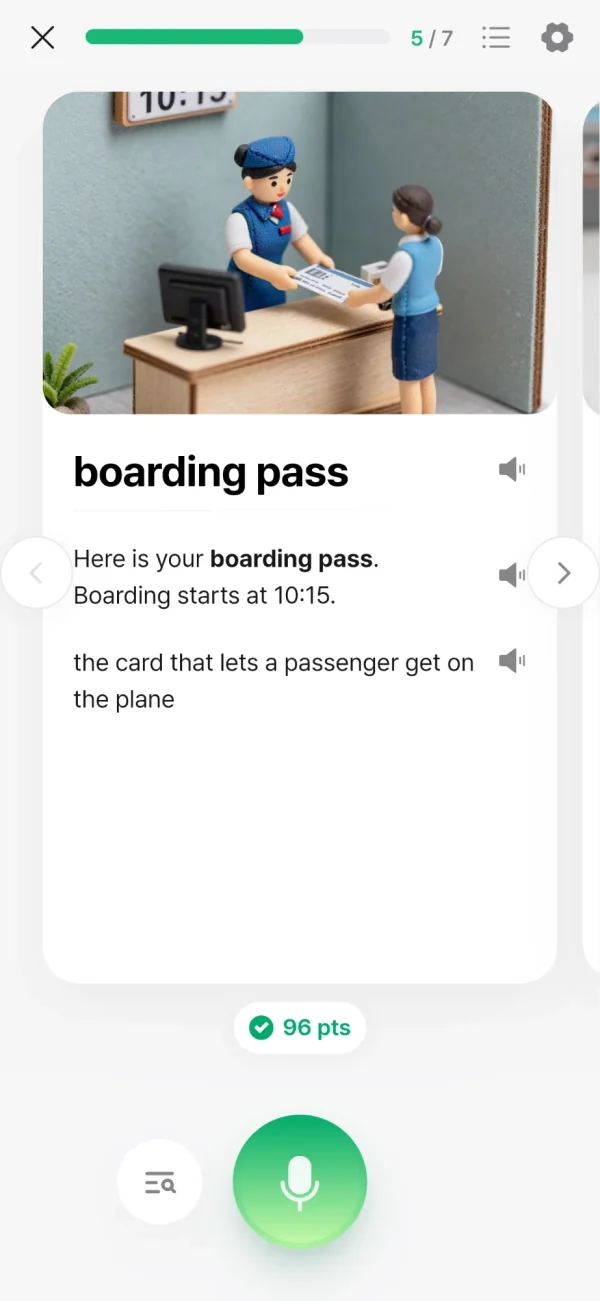
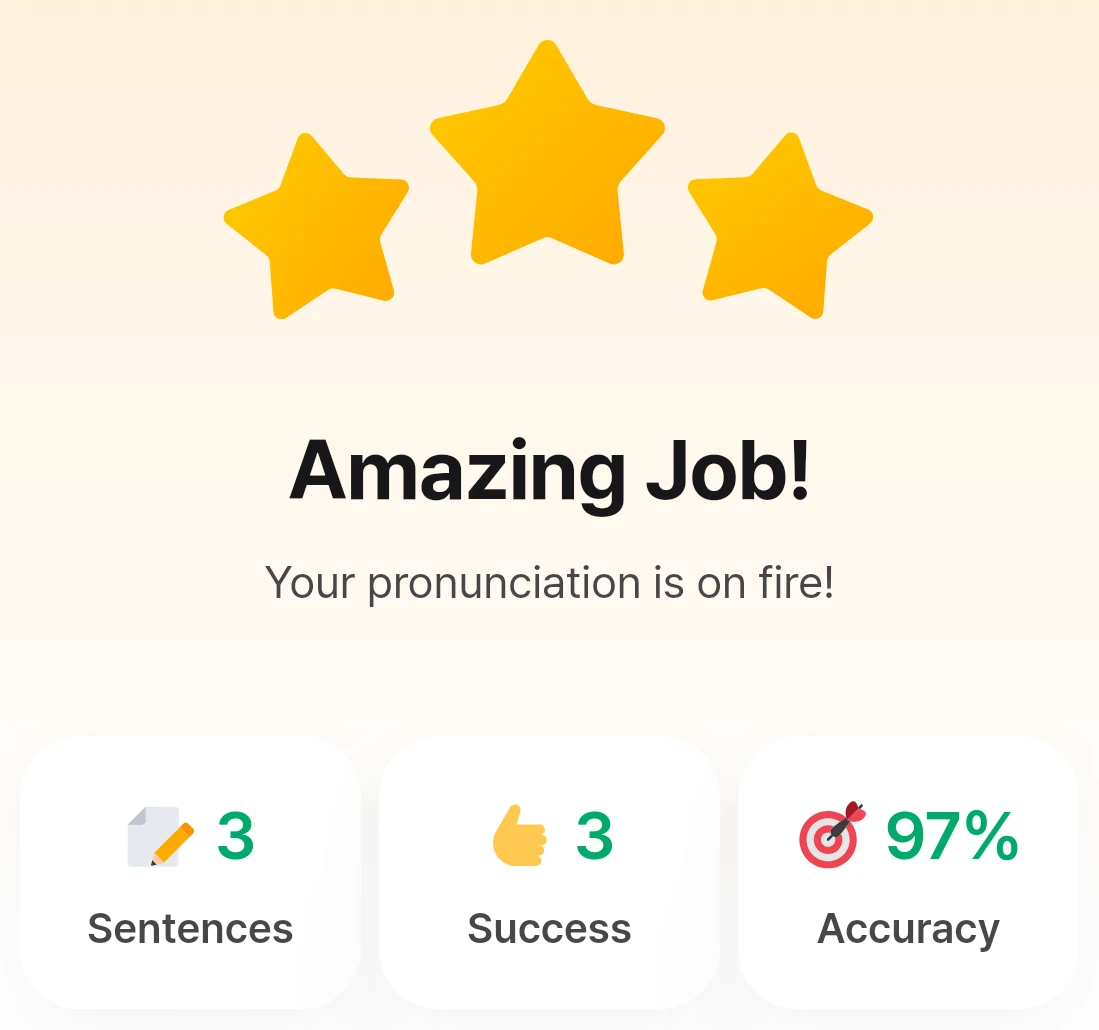
Listen to a sentence, say it out loud and check your pronunciation. Review the result and practise the parts you found difficult.
Hear a sentence, say it back and get pronunciation feedback.
Look back at the sentences you said and the results, then use them to guide your next practice.
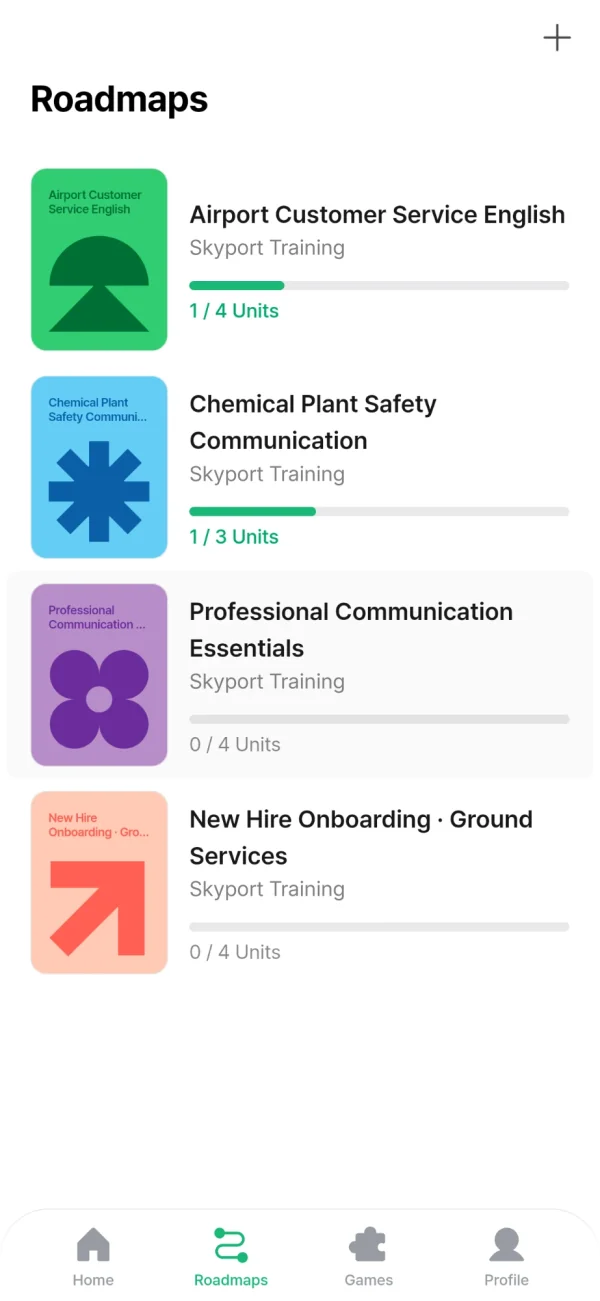
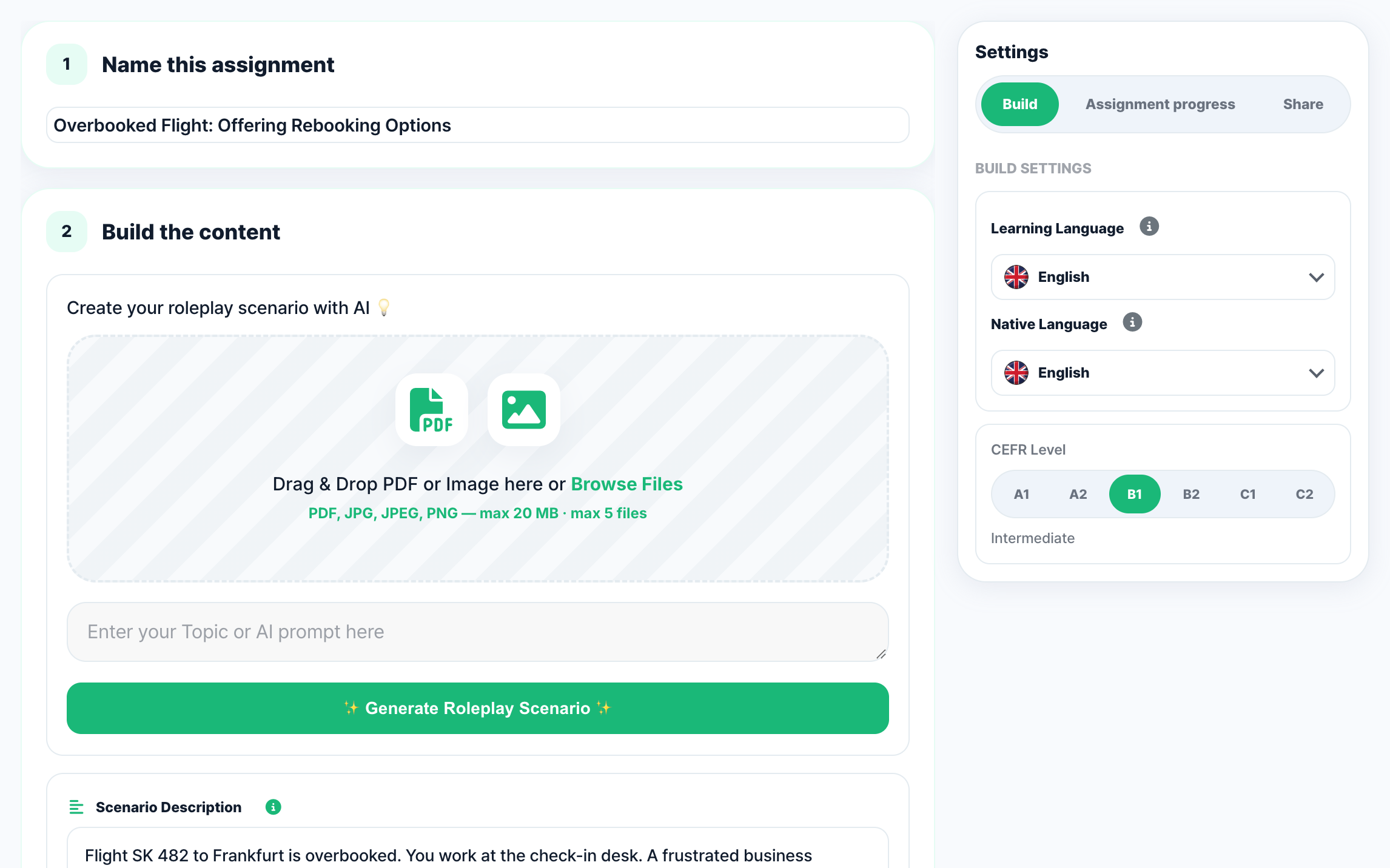
Courses are built around each role and your training goals. Employees can see what to learn next in the app and keep going.
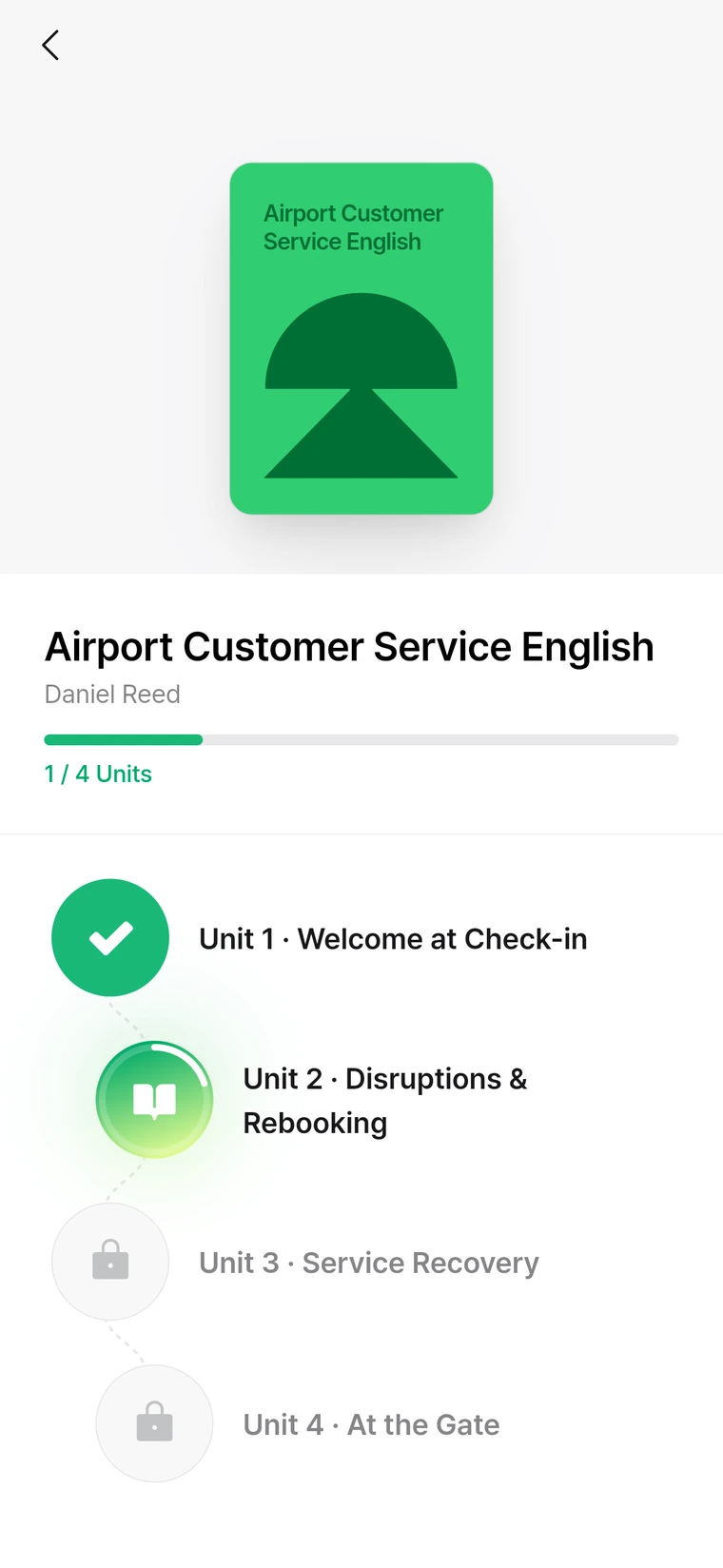
Label each roadmap by role and see progress at a glance.
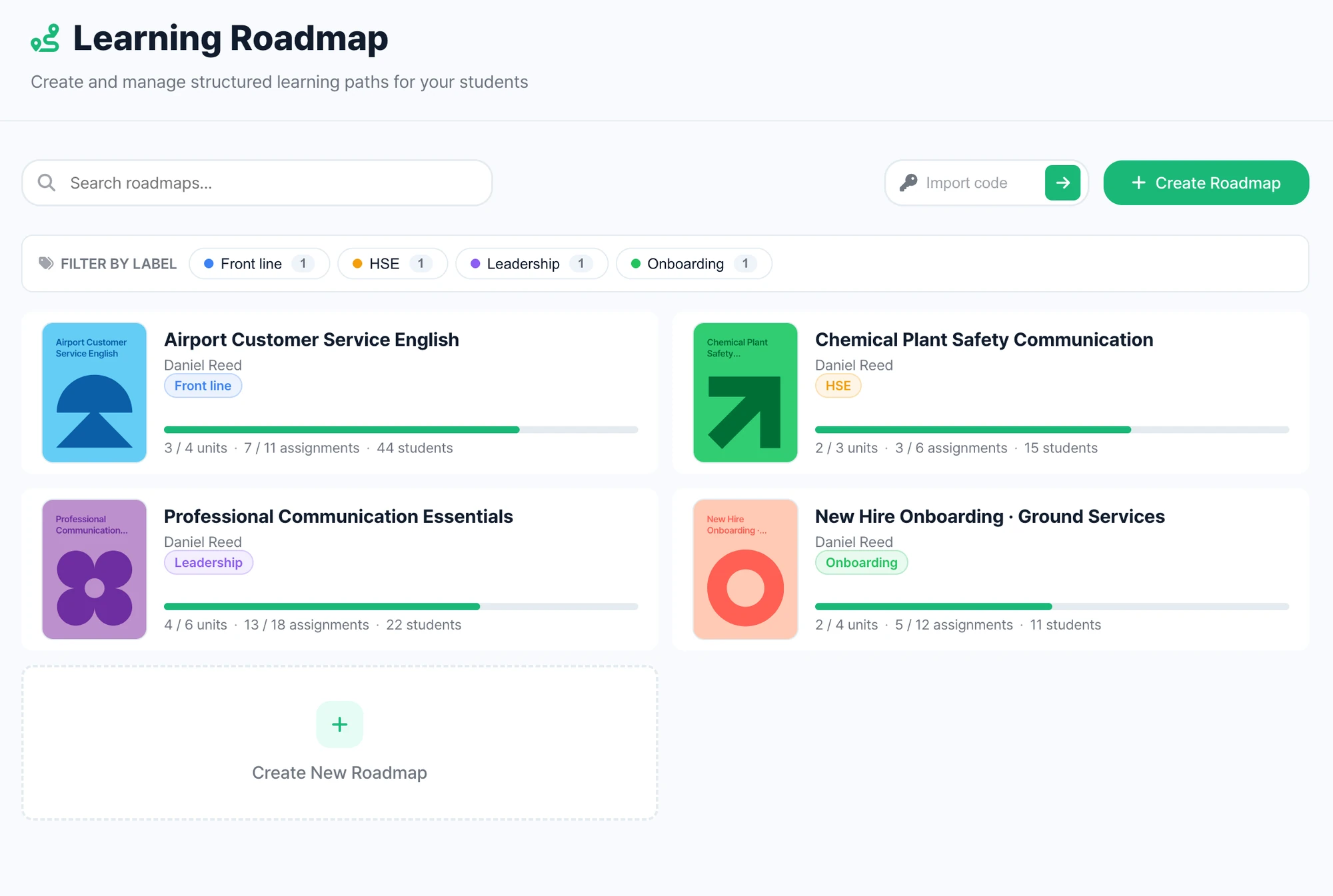
Finish one unit and the next one opens.
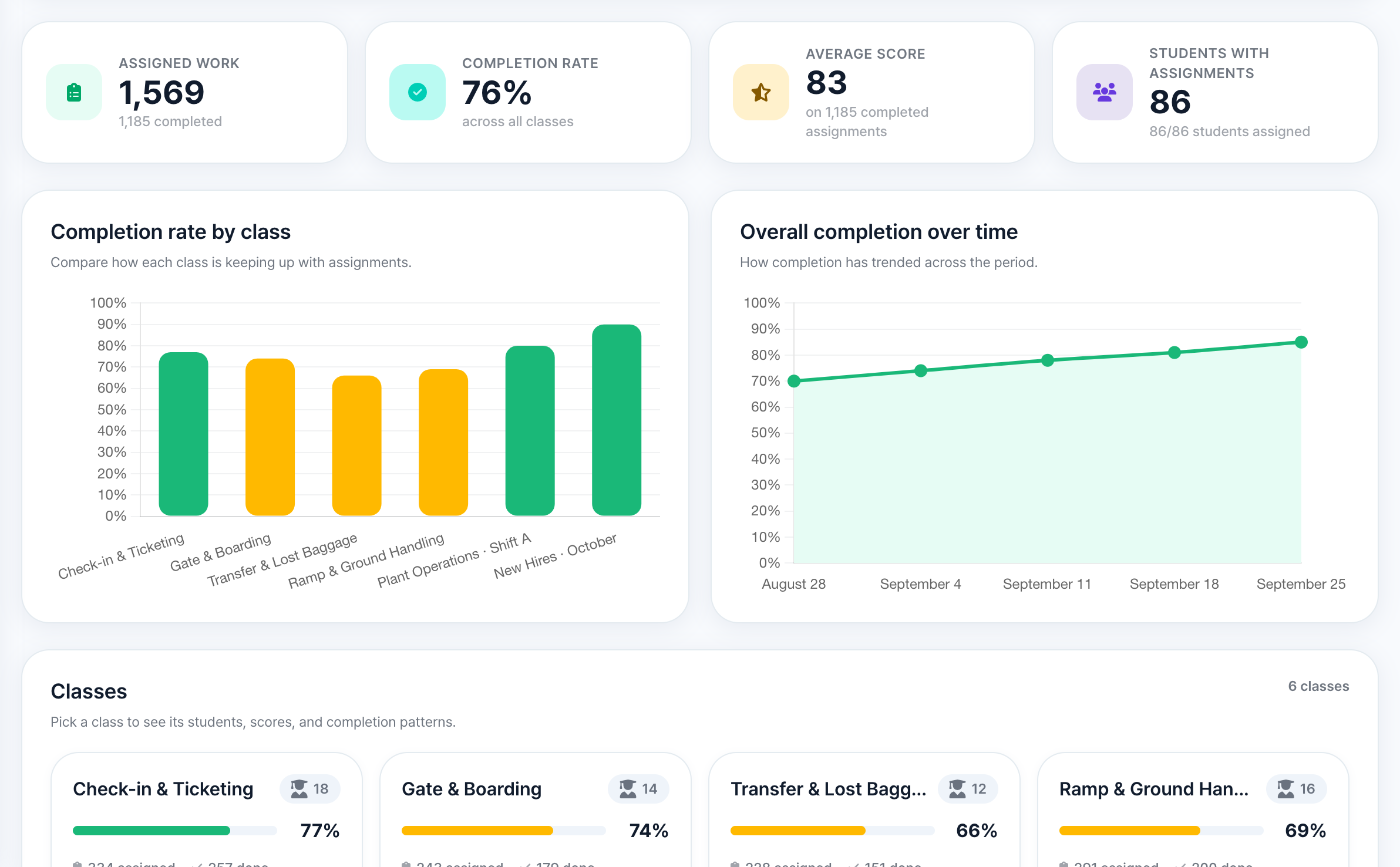
Follow individual progress and team participation in one place. Use practice results to plan further training and support.
Discuss team training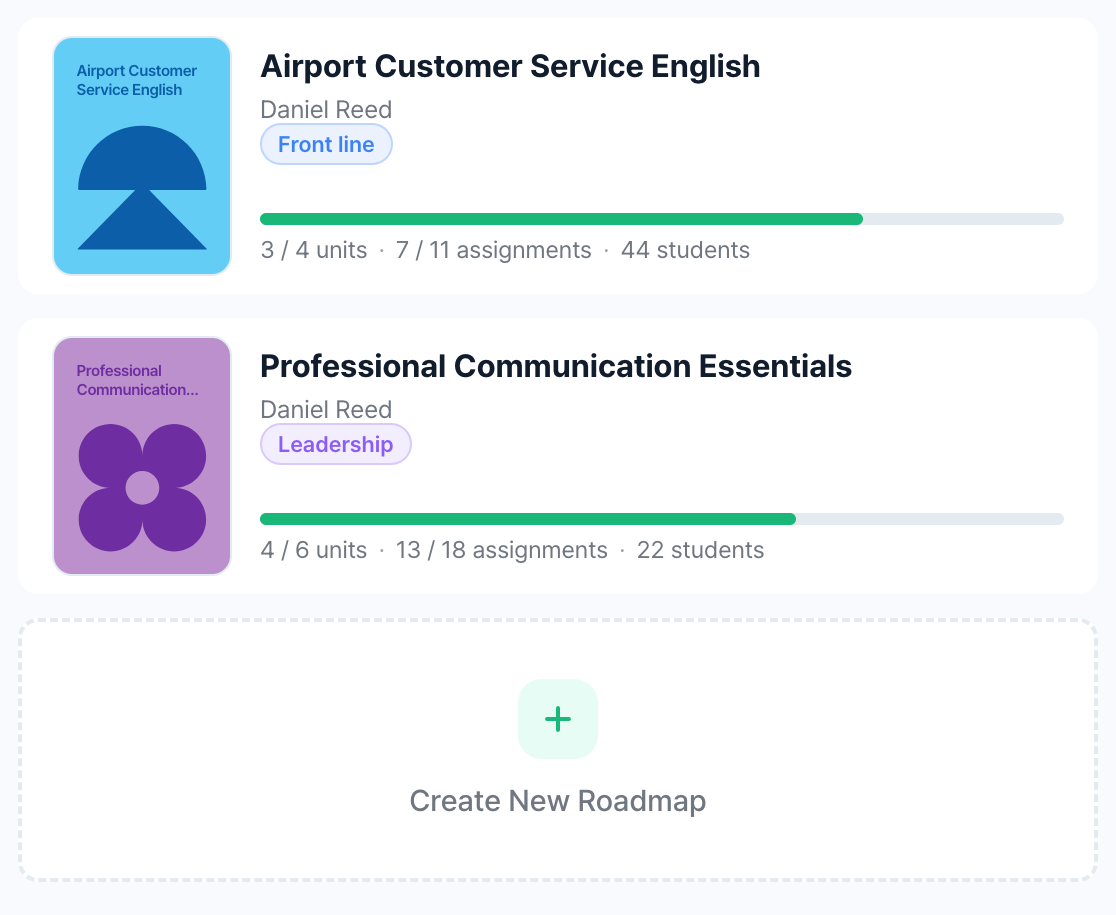
Courses by role
Start learning with the course a team needs, from customer service to on-site communication.
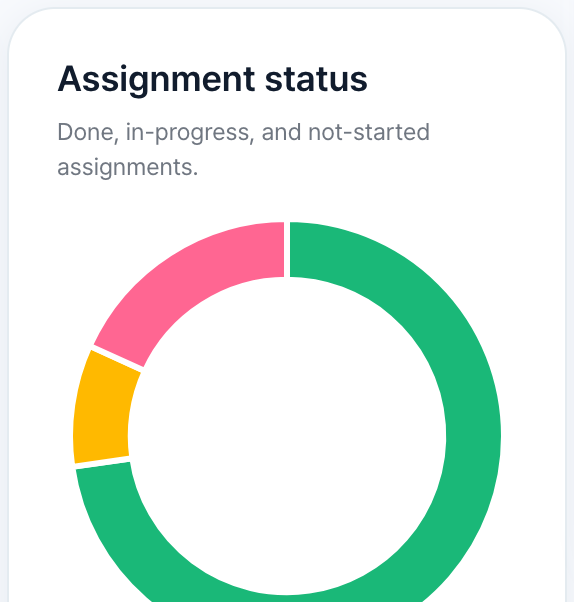
Progress by person
See who hasn’t started, who is in progress and who is done, and follow up where needed.
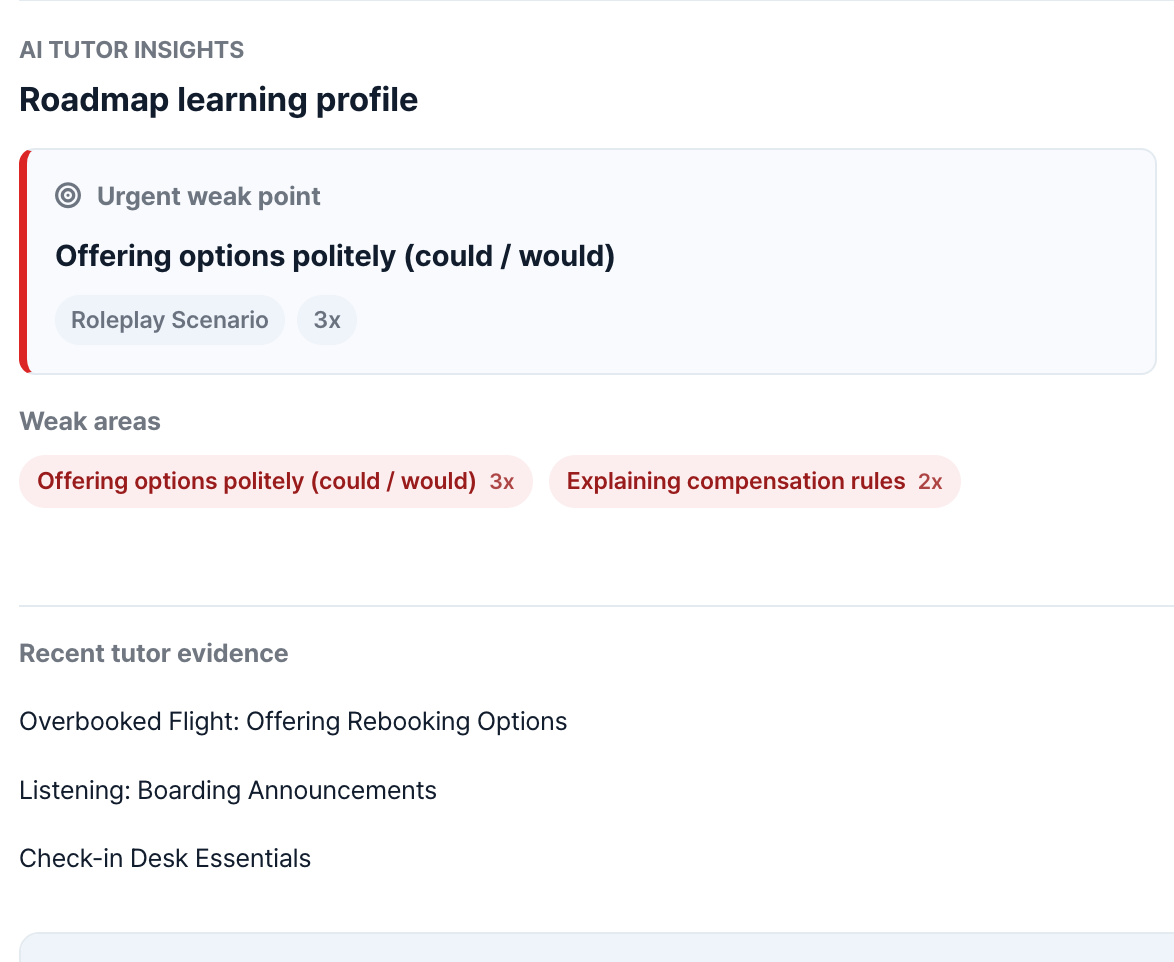
Phrases to practise
From practice records, the AI tutor lists the phrases and areas a person found hard, so you can decide what to practise next.
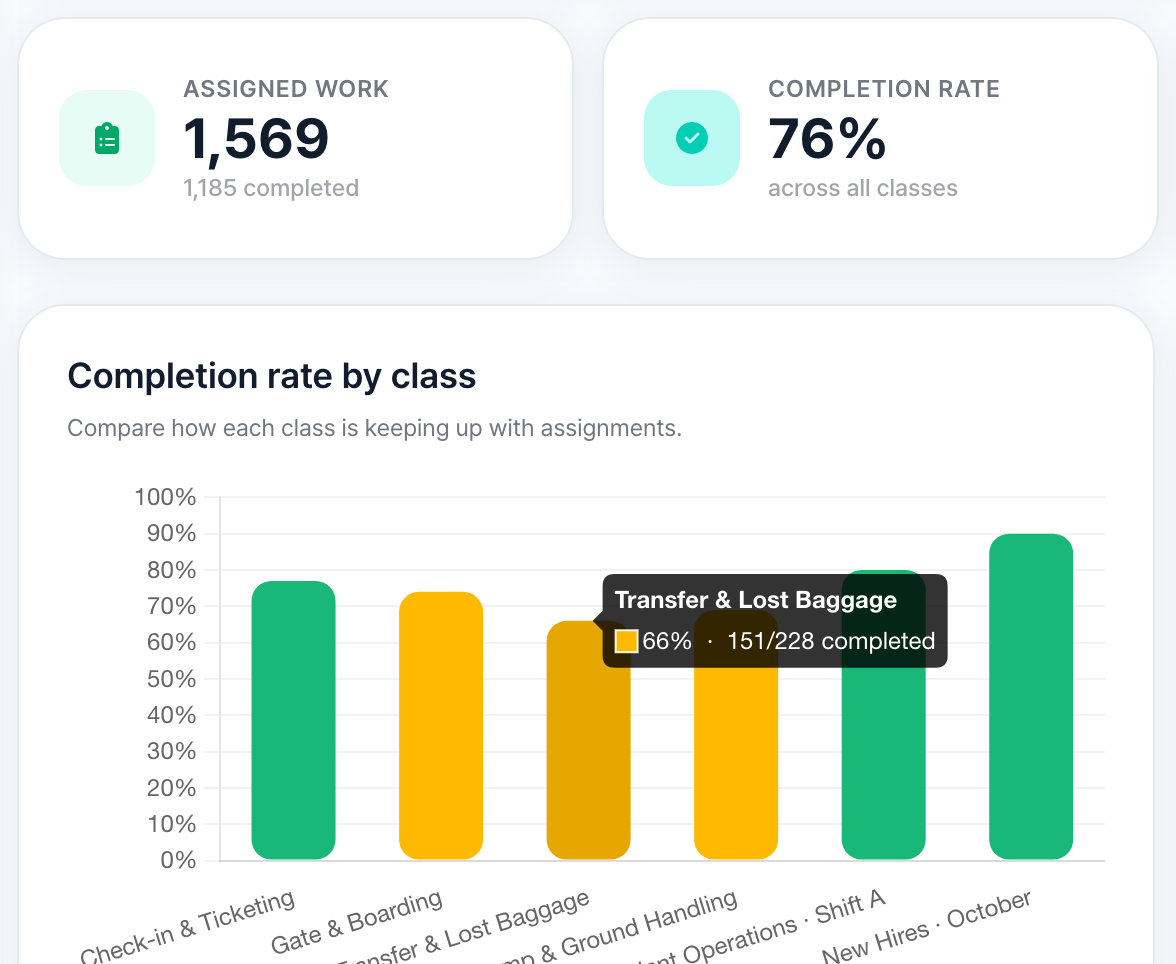
Participation by team
Read completion rates alongside participation records to adjust how training runs. Completion shows participation, not ability.
Learning records from the employee app appear in the admin dashboard. You can also edit courses in the content builder when needed.
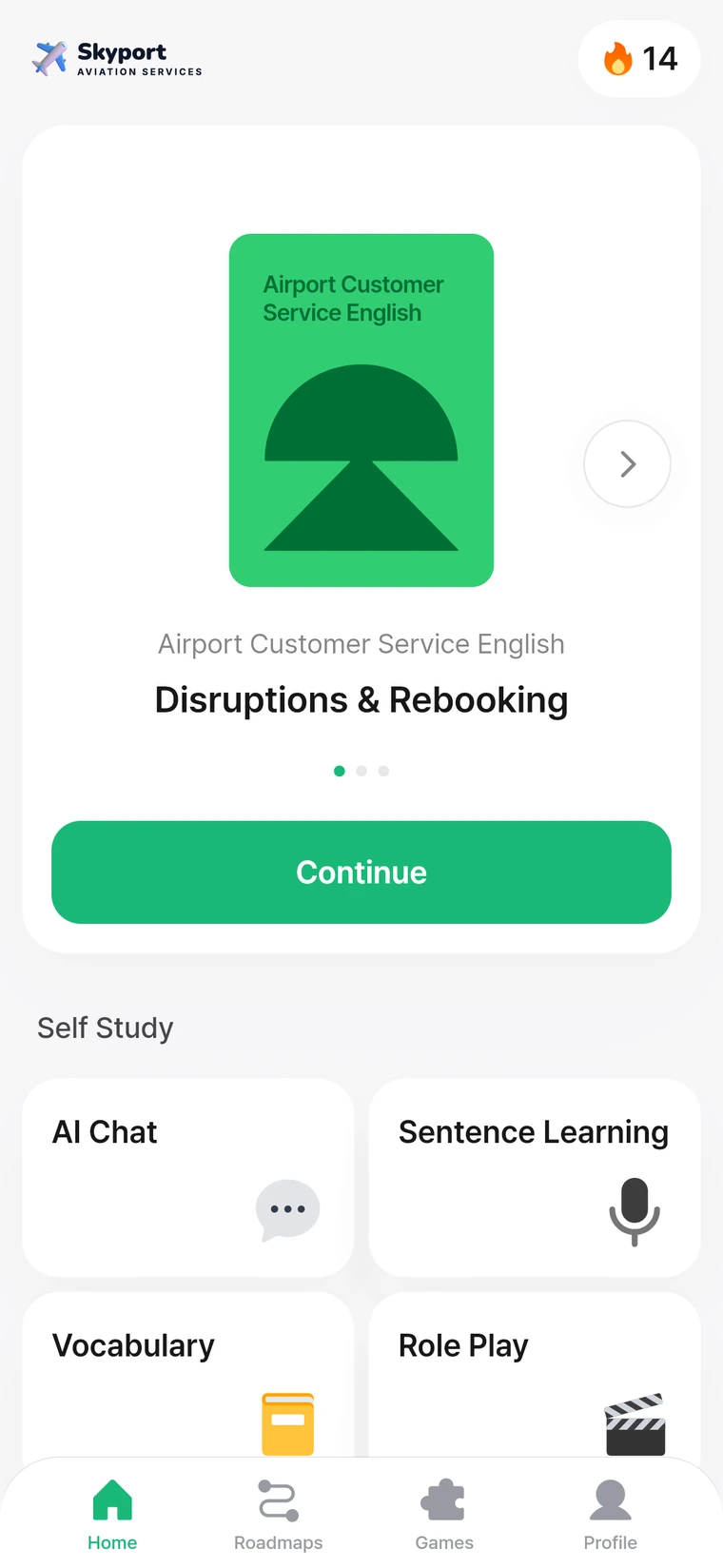


AvoLingo app screen recording: five exercise types in a row (meaning, matching, sentence building, translation, listening) ending on a score of 100.
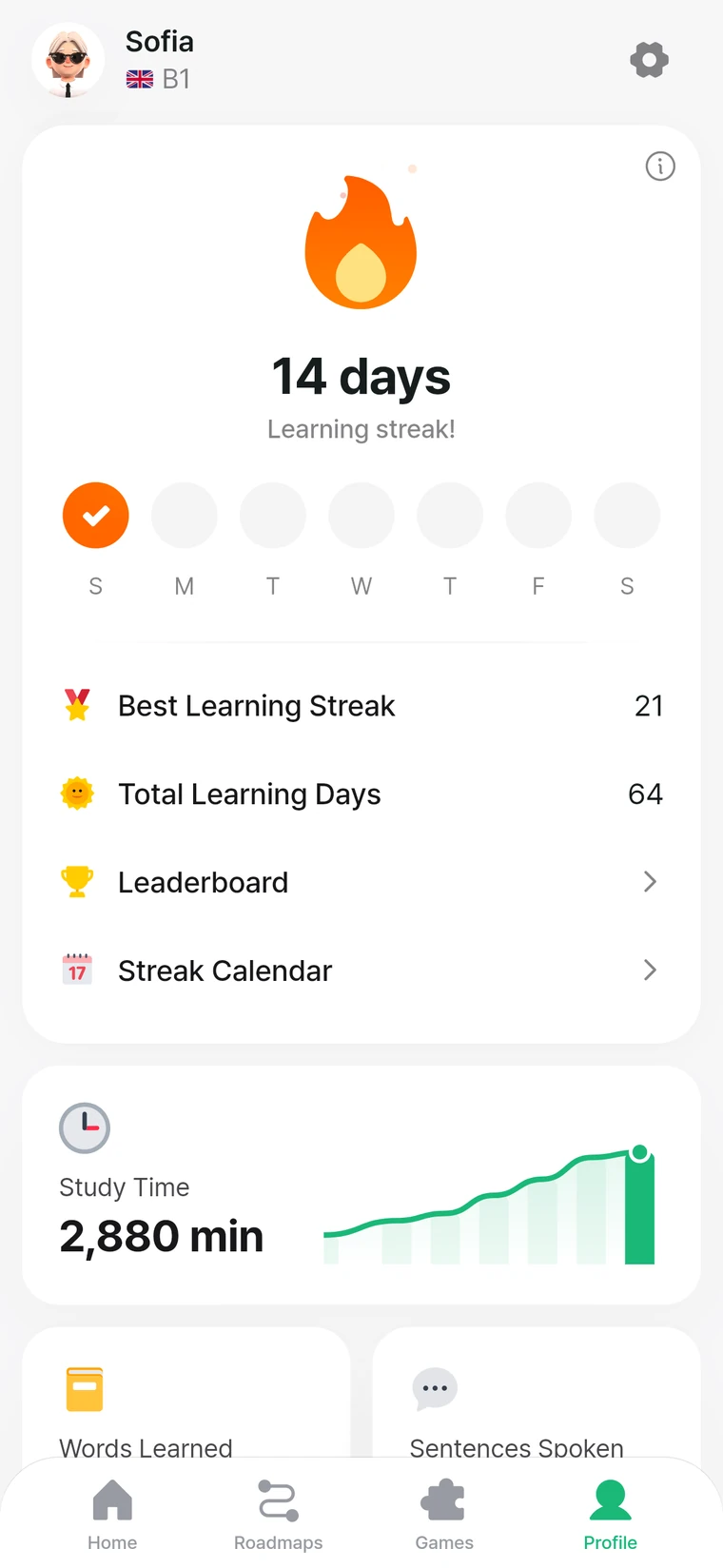
Employees can practise the language from class again in the app. Training teams can use those records to plan future sessions.
Yes. Tell us who is learning and the work situations they face, and we can create the content with you. If you have product sheets or work manuals, we can use those too.
Yes. Courses can be set up so employees practise the language from classroom sessions again in the app. We agree how the two fit together when we talk.
Individual progress, team participation and practice results. Use them to plan the next stage of training and any extra support.
Your company logo and course names can appear in the app. Ask us about anything beyond that when we talk.
Tell us who will be learning and the work situations they need to handle. We’ll explore which courses to start with.
To choose an organisation type, use the contact page instead.